

Firstly, you need to access **Applications **in our app, then kindly choose Cart countdown. After that, select **Common **to set up the Cart countdown.
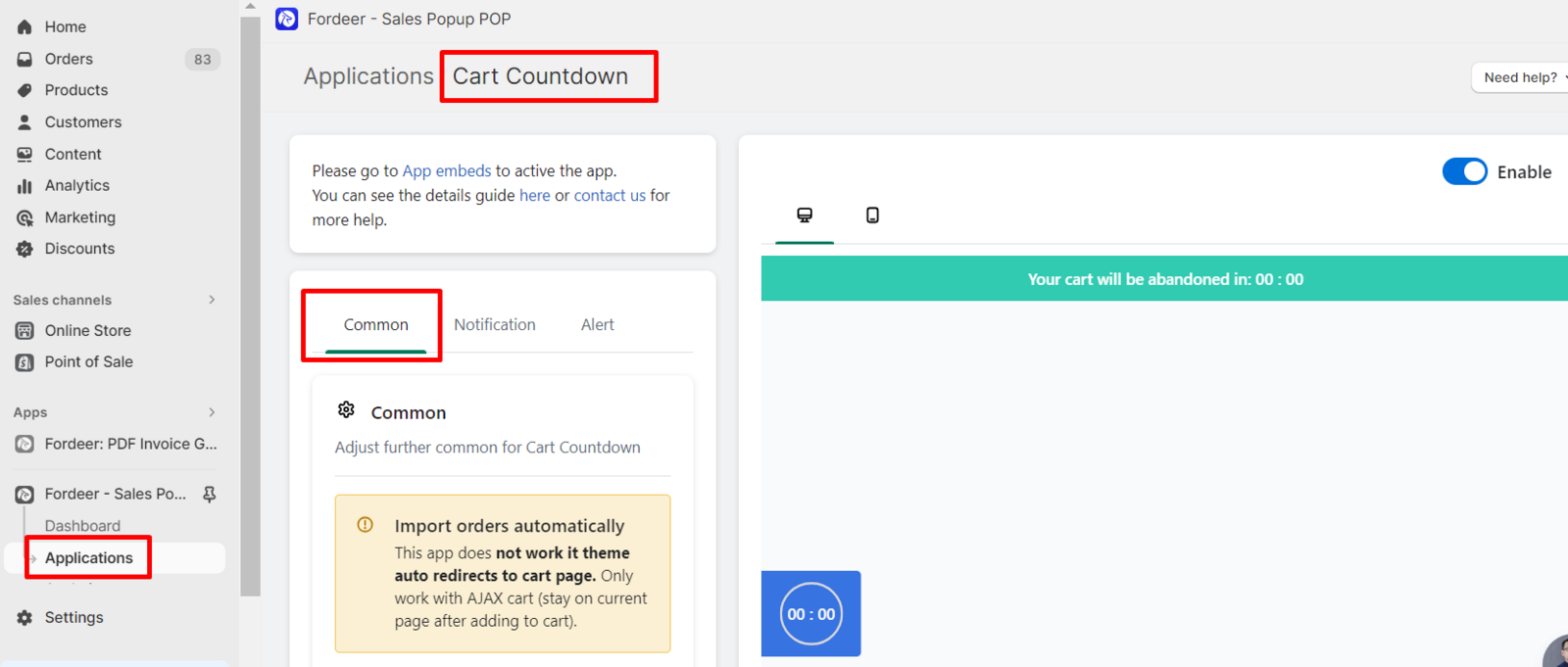
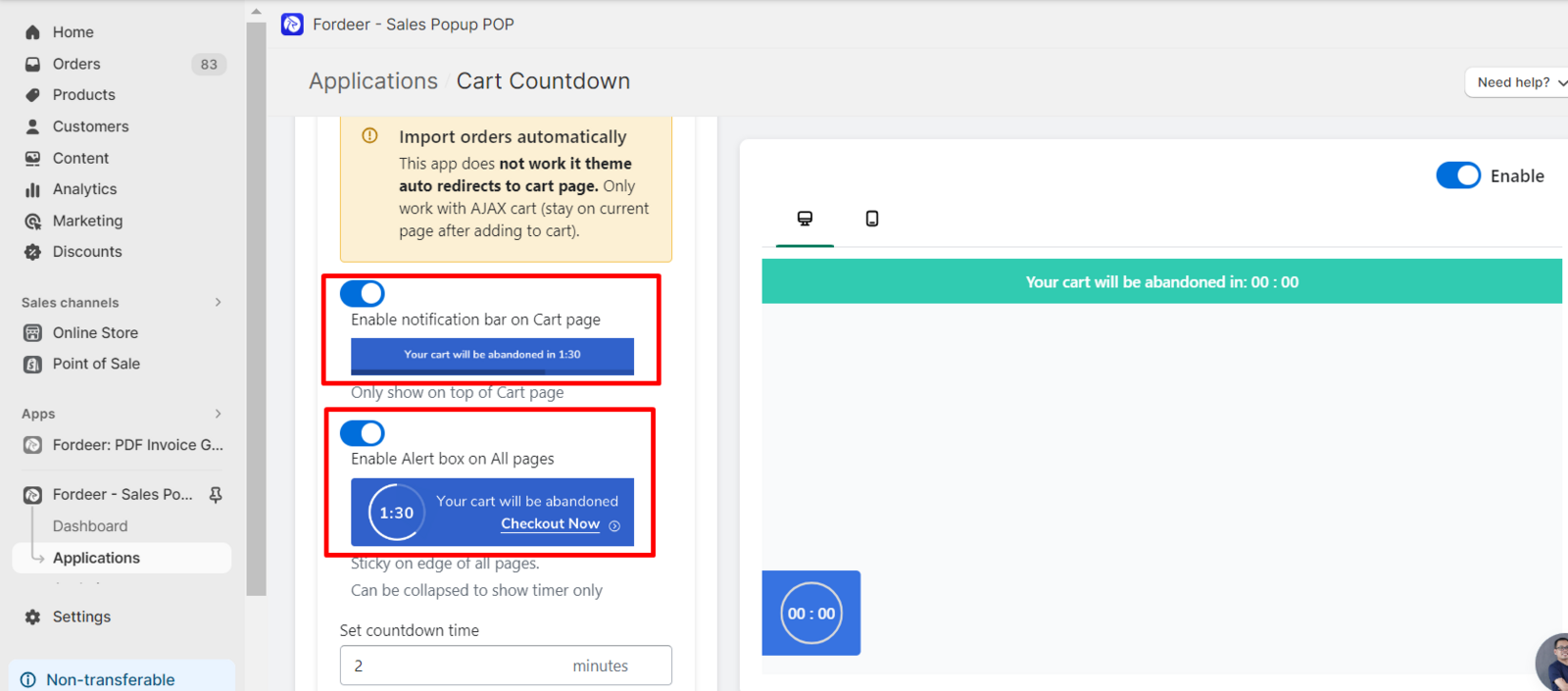
Allow to show cart countdown on your store
You can disable two types of countdown type if you don’t want them to display on your store.
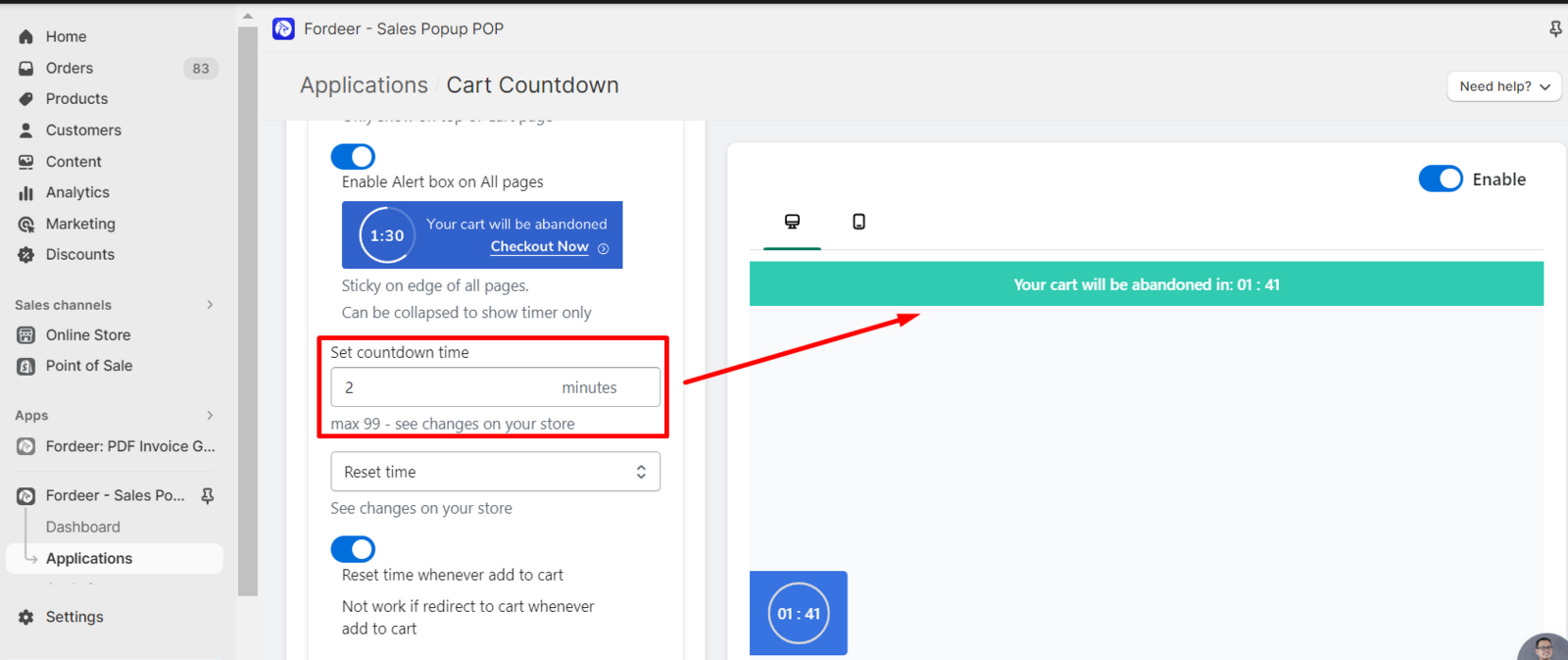
Set countdown time
To adjust countdown time, type the time in the Set countdown time box (time in minutes).
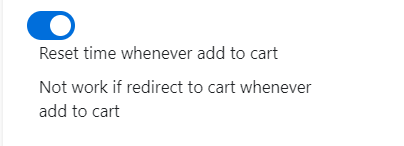
You can choose to reset countdown time whenever customers add a new product to the cart. Note that this feature does not work if customers are directed to the cart page after adding to the cart.
Expiration Action
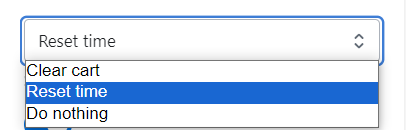
After the countdown time runs out, you can choose what to do after the cart expires:
-
Clear cart: Clear all products in the cart and leave the cart empty
-
Reset time: Reset the countdown timer. Products remain in the cart.
-
Do nothing: Countdown stops at 00:00. Products remain in the cart.
We value your feedback — it helps us continuously improve ForDeer and provide you with a better experience.
🖥️ Demo store: Check out here with password: 1
👉 Chat with us: Share your feedback directly with our team.
👉 Email us: hi@fordeercommerce.io
👉 Explore more apps: Discover more ForDeer apps.
👉 Join our community: Join ForDeer Community to get the latest updates, tips, and special deals.
🕐 Working hours: 8:30 AM – 5:00 PM (UTC+7), Monday–Friday.
We typically reply to live chats within minutes and emails within a few hours.
Need help? Feel free to reach out anytime via live chat or email!